
As I mentioned in my blog about my art, I have taken a break from writing plays and set myself the challenge of writing an adventure story aimed at pre-teens (or Middle Grade fiction, as it is often known).
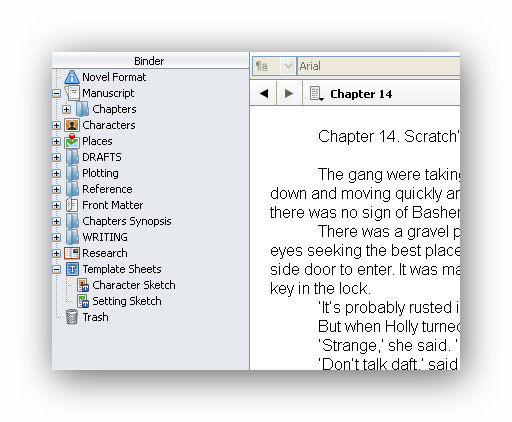
Packed full of tools
I am of course using my favourite writing tool, Scrivener. I love this program – it’s packed full of great features that enable me to store reference material, plotlines and character descriptions all in one place, so that I can look at them quickly and easily.
However, it has another useful tool which I’m only just beginning to make use of – the word count button.
Keeping an eye on the number of words I wrote wasn’t that important when scripting a play. But as this is a book for children aged 9 – 12, I want to limit myself to 1,000 words per chapter – to maintain the pace and keep those young readers interested.
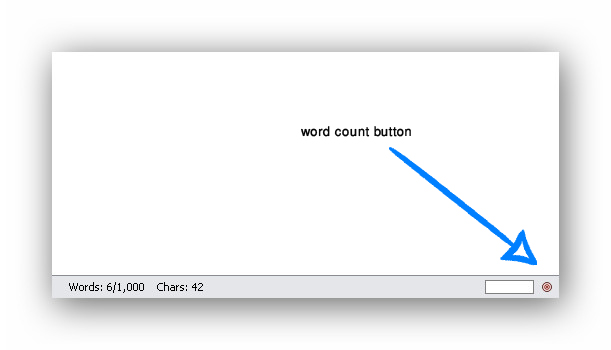
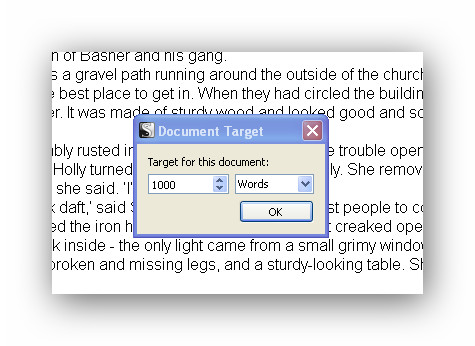
So I press the word count button in the bottom right of my work screen and up pops a window in which I set the number of words.
Then as I write I can see at a glance how close I am to reaching my target number of words – and know I have to work up to a cliff-hanger for the end of the chapter.
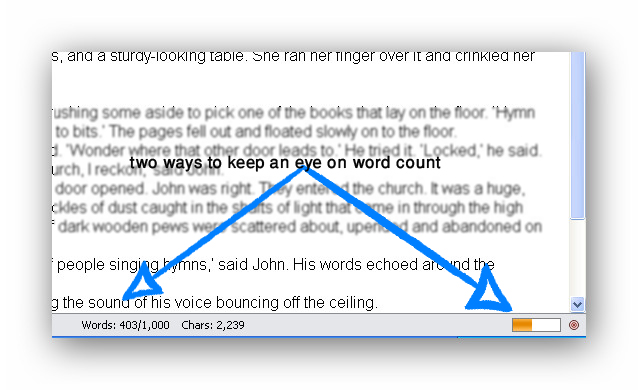
A simple tool – but very useful.



 Phil Mansell: Words & Pictures